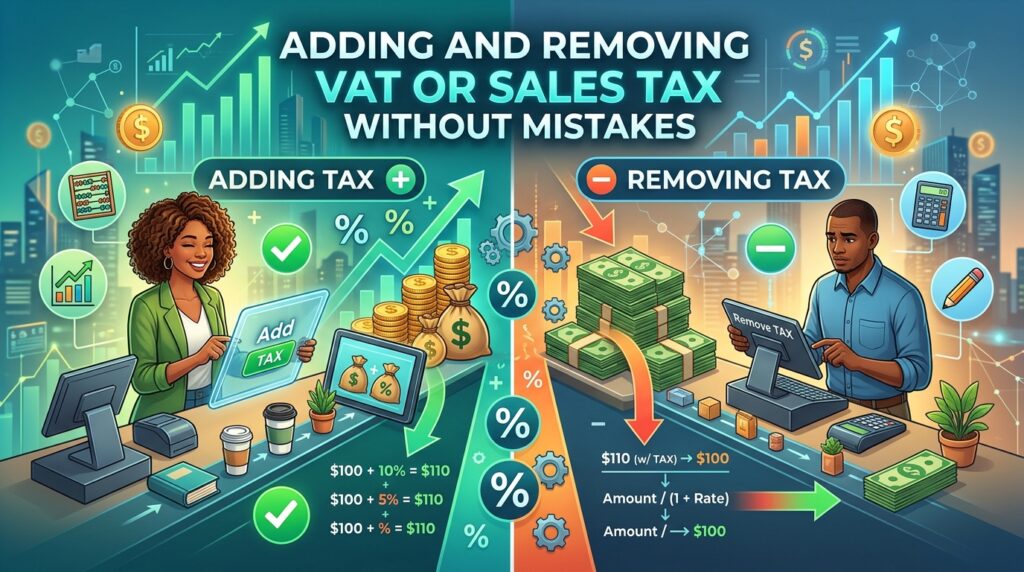
Adding tax to a price is simple multiplication. Taking it out is where invoices, price lists and expense claims go wrong. The fix is one division.
Adding tax
gross = net × (1 + rate)
A $250 item with 20% VAT costs $250 × 1.20 = $300. The tax is $50.
Removing tax: divide, don’t subtract
net = gross ÷ (1 + rate)
Starting from $300 including 20% VAT, the net price is $300 ÷ 1.20 = $250.
The common mistake
Taking 20% off $300 gives $240, which is $10 too low. The tax was calculated on $250, not on $300, so you cannot remove it as a percentage of $300.
To find the tax portion directly: tax = gross × rate ÷ (1 + rate). For 20%, that is gross ÷ 6. For $300, $50.
US sales tax
US sales tax is added at the register, usually on top of the shelf price. An item at $64.99 with 8.25% sales tax costs $64.99 × 1.0825 = $70.35, with $5.36 of tax after rounding. Rates vary by state, county and city, so the rate on a receipt is often a combination of several.
Handy fractions for common rates
| Rate | Tax share of a tax-inclusive price |
|---|---|
| 5% | 1/21 (about 4.76%) |
| 10% | 1/11 (about 9.09%) |
| 15% | about 13.04% |
| 20% | 1/6 (about 16.67%) |
| 25% | 1/5 (20%) |
Practical tips
- Keep prices in your records as net amounts, and add tax as a separate line.
- Round tax the way your local rules require: per line or per invoice can give slightly different totals.
- Rates change. Check your tax authority’s current rate rather than relying on memory.
- Some products have reduced or zero rates. A single rate across a whole invoice may be wrong.
Frequently asked questions
Is this the same as reverse percentage?
Yes. Removing tax is a reverse percentage problem: finding the original before a percentage increase.
Do discounts come before or after tax?
Usually before. The tax is calculated on the discounted price.